



Key Highlights
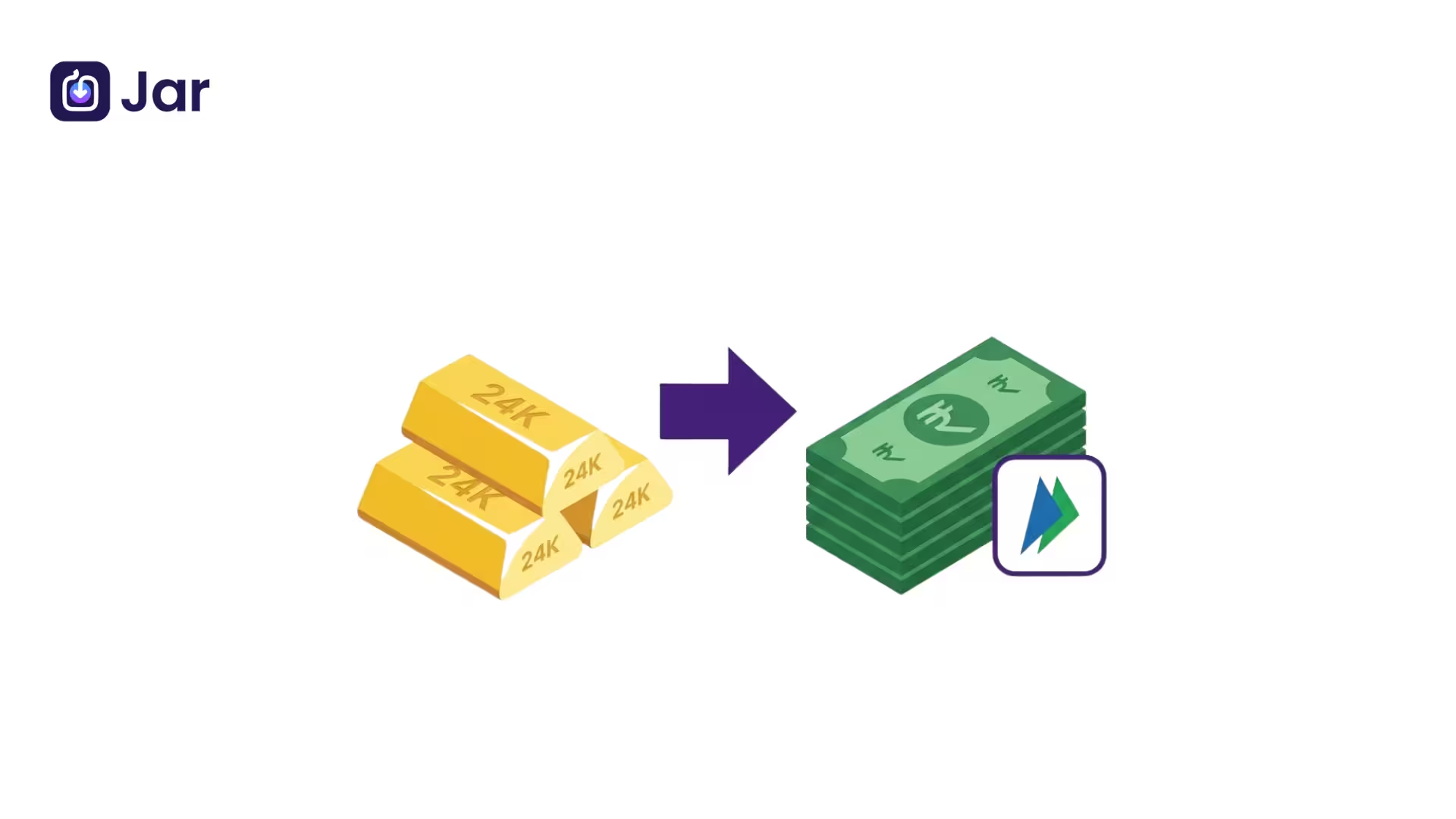
- Digital gold is usually sold back inside the app, and the rupee amount goes to your bank account.
- Most platforms require your PAN and KYC details before large sales or withdrawals.
- The money goes to a bank account in your own name, linked through UPI, not to a random UPI ID.
- You can often choose between selling for cash and requesting physical gold delivery.
- Check the live sell price before you confirm, because it changes with the market.
- Confirm where your gold is stored and who holds it before you invest.
- Be careful with unfamiliar apps, since some platforms are not trustworthy.
- Gold prices move up and down, so returns are never guaranteed.
Quick Snapshot
| Point | What to Know |
| How you exit | Sell your digital gold in the app at the live sell price |
| Where the money goes | A bank account in your name, linked to the app and paid via UPI |
| Documents | PAN and KYC are often needed before larger sales |
| Timing | Platforms may show instant payouts, but bank processing can add a delay |
| Other option | Some platforms let you request coins or jewellery instead of cash |
| Main risks | Price movement, storage and custody questions, unregulated or fake apps |
Buying digital gold is easy. Most people do it in a few taps using UPI, and recent NPCI data shows that UPI accounted for over 90% of digital gold purchases in January. Getting your money back is the part many first-time investors overlook.
If you want to know how to withdraw digital gold to your UPI, the short answer is that you sell your gold inside the app, and the rupee amount is paid to your bank account through UPI.
The steps are simple, but a few details around KYC, timing, and storage can save you trouble. This guide walks you through the process, the common mistakes, and what to check before you sell.
Step-by-Step: How to Withdraw Digital Gold to Your UPI
Withdrawing digital gold is not complicated, but the details matter. Think of it as two parts: getting your account ready, and then making the sale.
Before You Start: Check KYC and Your Bank Account
Ensure your account is fully verified before you sell. Most platforms will allow you to buy small amounts with light checks, but usually request your PAN card and your identity details before you sell or withdraw a larger amount. If your KYC is pending, you may find the withdrawal option locked until verification is done.
Next, confirm that your bank account is linked to the app and that the name on the account matches your PAN and KYC details. Payouts are normally made only to a bank account in your own name. If the names do not match, the withdrawal can fail or be put on hold.
The Steps Inside the App
While every app has its own screen layout, the general flow looks like this:
- Open the app and go to your gold or wallet section.
- Check your current holding in grams and the live sell price.
- Choose whether you want to sell all of it or only part of it. You can usually enter an amount in rupees or in grams.
- Review the sell price, any applicable charges, and the amount you will receive.
- Select the withdraw or sell option and confirm.
- Wait for the payout confirmation, then check your bank account.
Read the confirmation screen carefully before tapping the final button. The price shown can change between the moment you open the screen and the moment you confirm, so it helps to look at the number you are agreeing to.
How the Money Reaches You
This part is where many people get confused. When you search for how to withdraw digital gold to your UPI, you might expect to send the money to a UPI ID. In most cases, the process works differently. The rupee amount is transferred to your linked bank account, and UPI is the payment rail that moves the money.
Some platforms describe the payout as instant. In practice, timing depends on the app's own processing, your bank, and whether any extra checks are running. If the money has not arrived, check the transaction status in the app first, then contact support with your transaction reference if needed. Keep screenshots of the confirmation until the amount shows up in your account.
Sell Digital Gold or Take Physical Delivery?
Not every platform offers the same exit options. Many let you sell your gold back for cash, while some also allow you to request physical gold in the form of coins or jewellery, usually from a partner store or through delivery. Each route has its own trade-offs.
| Feature | Sell for Cash | Physical Delivery |
| Money in hand | Rupees in your bank account | Physical coins or jewellery |
| Price used | Live sell price on the day | Based on the platform's delivery terms |
| Speed | Usually faster | Depends on availability and delivery |
| Storage | Not needed | You must store it safely |
| Best for | Partial or full exit | Those who want to hold physical gold |
If you choose physical delivery, you will need a plan for storage. Our guide on where to keep your gold, whether at home, in a bank locker, or in a private vault, can help you weigh the options before the coins arrive.
How Digital Gold Is Held and Secured
Before you sell, it helps to understand what you actually own. Digital gold is a claim on gold held by the platform or its storage partner, usually in a vault. The quality of that custody arrangement matters as much as the app's interface. Look for clear information about where the gold is kept, whether it is insured, and how the platform confirms your holdings.
Ask a few simple questions before you invest. Who holds the physical gold? Is the storage described in the app's terms? Can you see your holdings and transaction history at any time? A platform that answers these questions clearly is generally easier to trust. Our explainer on how digital gold works behind the scenes covers the custody model in more detail.
If you want to start small, you can begin buying 24K digital gold on the Jar app. You can start with a small amount and check your holdings in the app anytime.
Digital gold prices move with the market, and returns are not guaranteed. This article is for information only and is not financial advice. Read the terms and check the storage and custody details before you invest.
Common Problems and How to Avoid Them
Most withdrawals go smoothly. The problems that do come up usually have clear causes, and most are easy to avoid if you plan ahead.
Fake or Unreliable Apps
Digital gold has grown quickly, and not every app that offers it is trustworthy. Before you link your bank account or share your PAN, check the company's registration details, its customer support, and its storage information. Our guide on how to spot fake digital gold apps lists the warning signs to look for.
Regulatory Caution
The Securities and Exchange Board of India issued an advisory in November 2025 saying digital gold remains unregulated, and cautioning investors about the risks. Regulation of the product can change, so it is worth checking the latest guidance before you commit a large amount. Regulated options such as gold ETFs follow a different framework, and you should compare them before deciding.
Price Movement
Digital gold is priced at the live market rate. If you sell during a dip, you receive less than you would have at a peak, and the reverse is also true. A sudden drop just before a planned withdrawal can change the amount you receive. If you need money on a fixed date, consider selling a little earlier or keeping a buffer. To understand why prices move, read our piece on why gold price trends change with inflation, interest rates, and global risk.
Name Mismatch and Pending KYC
Withdrawals often get stuck because of small details. The name on your bank account may not match your PAN, or your KYC may be incomplete. Fix these before you need the money. A quick check now can save several days later.
Conclusion
How to Withdraw Digital Gold to UPI: The process is simple. Complete your KYC, check your bank
account, sell the amount you want at live price and confirm the payout. It is good to know that the money usually gets transferred to your linked bank account via UPI before you start.
Digital gold is convenient, but still has market and custody risks, so take the time to understand the platform and its terms. Keep your records organised, and review your holdings regularly when you are ready to begin your gold journey. Start small.
Frequently Asked Questions
Can I withdraw digital gold directly to my UPI ID?
No, usually. Usually the digital gold withdrawal is deposited in the linked bank account in your name. UPI is the mode through which the money is transferred. Look at your app’s withdrawal screen to see which bank account it uses.
How long does it take to get money after selling Digital Gold?
Some platforms claim the payout is instant, but it is contingent upon the app, your bank and any verification checks as to how long it actually takes. If the amount has not arrived in your account, check the transaction status in the app. If it still does not appear, please get in touch with the platform’s support with the transaction details.
Do I need PAN to buy digital gold in India?
Even if you are able to make small purchases without full verification, many platforms require PAN and KYC details before you can sell or withdraw larger amounts. Before you sell, check the KYC section of your app, as requirements differ from platform to platform.
Yes, you can sell a part of your digital gold only.
Most platforms do allow you to sell a part of your holding. You can normally enter the value either in rupees or in grams. Check the sell price and how much you will get before you confirm it.
Is it safe to redeem digital gold through UPI?
UPI transfer itself is a normal mode of payment. The bigger safety concerns are about the platform itself: is it trustworthy, how is your gold stored and is your account secured. Use only those apps which you have researched and never share your UPI PIN or OTP with anyone.